

Plum Telephone Company

About Plum Telephone Company
From inventor Alex G. Plum, The Plum Telephone Company is connecting the first transcontinental copper telegraph & telephone line to your local exchange.
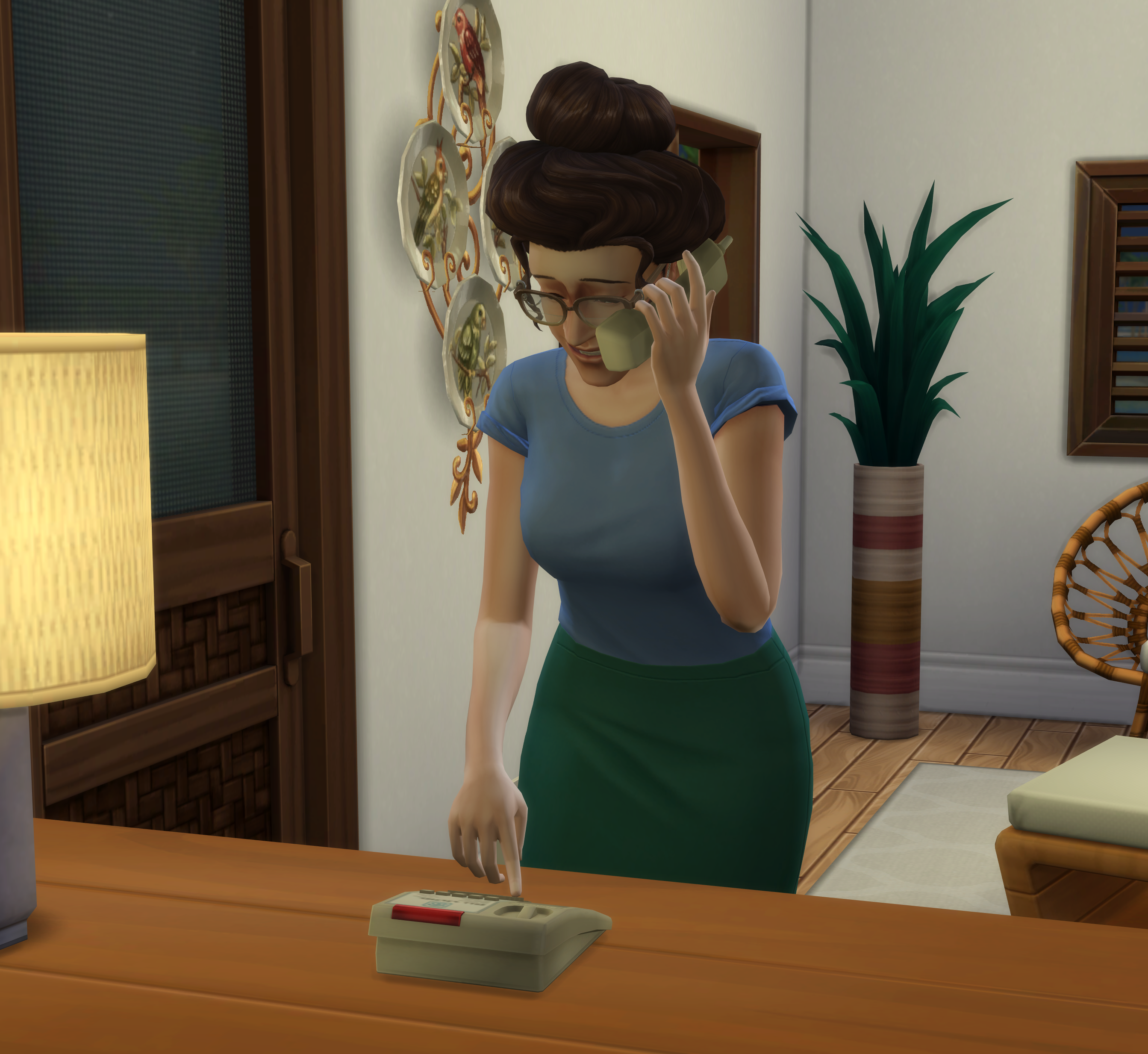
Plum Telephone Co. replaces your Sims' mobile phones with a physical landline and dial tone. The Plum TelCo Telephone includes nearly all interactions available from the original phone (including Mods) and plays a custom animation in its place.
You'll sometimes receive a call from a friend or family to chat, hang out, or travel! Up to 3 incoming calls will be scheduled each day. With multiple Sims now sharing a phone line, if a Sim answers a call intended for someone else the caller will ask for the Sim and wait on hold if they're available. If you don't answer after a period of time they'll hang up.
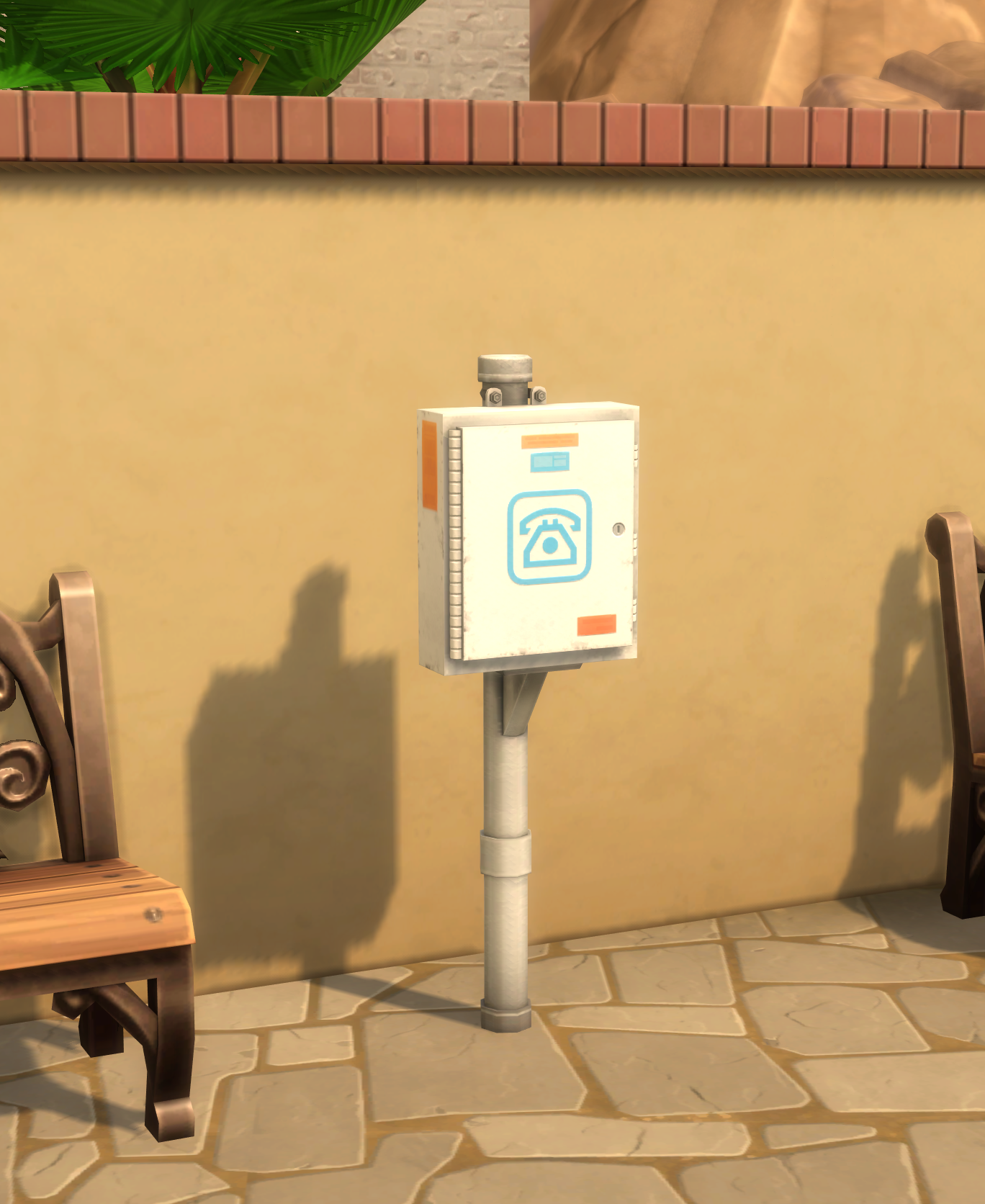
Special thanks to SurelySims for creating the Telephone and Utility Box models and thepancake1 for animating. Please show them some love and support. (No extra downloads are required for the objects described here.)
Please Note:
- The Telephone can currently only be used by Teens and older.
- Currently supports Dining Tables, Counters, and some Short Dressers.

Installation Notes Script and Package Mod
Unzip and place the package and ts4script in your Mods folder. Make sure you only have ONE copy at a time.
Double check that your unzipped script does not end with a number in the case your destination folder had an existing file with the name — otherwise the script will not load.
If you organize your CC, make sure scripts are not placed more than one folder deep.
Plum Telephone Company Documentation
 Getting Started with Plum Telephone Co.
Plum Telephone Co. does not require any additional setup like Simzlink. Just place one or more Telephones on your lot and start making calls! You can find the Telephone within Miscellaneous Electronics or Indoor Activities. The Utility Cabinets can be found in Sculptures for the pole-mounted variant and Wall Decorations for the wall-mounted variant. You can toggle Allow Incoming Calls within the Settings category on a phone to completely disable incoming calls on the current lot. Please Note: The Telephone can currently only be used by Teens and older. Currently supports Dining Tables
 Disable the Mobile Phone
You can disable access to the mobile phone UI per Sim! Shift + Click the Sim you want to change the setting for Expand the Plum System Telephone category Toggle the "Allow Mobile Phone Access" interaction Now clicking the Mobile Phone in the UI will show a red message. If you have the Smarter Phone Use mod (v2.2), Sims will be prevented from using their phone autonomously and during idles. NOTE: This will NOT disable the actual calls and texts made to your mobile phone yet. You can however disable "Friendly/Romantic Invites and Requests" in your Game Settings under the Gameplay tab to reduce
Compatibility
Interactions in the Sim's `_phone_affordances` are automatically forwarded to the Plum TelCo Telephone without affecting the original interactions. My animations are run in their place while still awarding the original outcomes and basic extras. This includes all mods! Like Suite Life, Flicbuster, PlumbBros, and more. Interactions added in new EA packs or updates are also automatically included. If you find an interaction by a creator or EA that is not fully compatible, please let me know and it can be disabled in favor making a landline specific version. ---- Some interactions already have
 Custom Phone Models
Creators will be able to make their own phone models that are compatible with Plum Telephone Co. An integration guide will be written, please check back soon!
 Caller ID & Answering Machine Upgrades
Upgrades are available on the phone under the Upgrades category. Install Caller ID and get notified with the name of the incoming caller. Install the Answering Machine and friends and family can leave messages if you miss their call! Check the Answering Machine once enabled to listen to any new messages. Set your Outgoing Message to change what callers hear when the machine picks up. Once installed, the upgrades apply to the whole home. You can also enable/disable them from the Settings category.
 Plum Telephone Company 1.0.4
Fixed exception during certain interactions.
Fixed Sim stepping away from phone after certain interactions.
Disabled speech balloons until I find a better solution for timing.
Plum Telephone Company 1.0.3
Improved Hire Service and Hire Delivery pickers
Made a sweep through all interactions and shortened call times for appropriate interactions.
Fixed incorrect sim thumbnail on phone calls inviting sims out or to their residence.
Fixed one of the invite-to-residence calls selecting the wrong zone.
Some thought balloons are now forwarded from their original phone interactions. They may sometimes appear delayed.
Plum Telephone Company 1.0.2
Improved continuations on a few EA interactions
Fixed Call Fire Department not available when a fire is on the lot.
Plum Telephone Company 1.0.1
- 1.0.1: Fix exception when Parenthood is not installed.
- Now available for everyone!
Download Languages
Want your translation linked here?
Upload your package to a mod sharing service like Curseforge or SimFileShare then submit the link to me.
Unfortunately, translations are no longer included in my mods.
landline.call <name>
Debug cheat for creators to trigger a ScheduledPhoneCall by tuning name, for example: landline.call lot51:Landline_PhoneCall_Prank
landline.remove_phone_trait
The mobile phone can be disabled by shift+clicking a sim and toggling Allow Mobile Phone Access.
This cheat will reset that setting for every sim in your save.
landline.schedule_clear
Clear currently scheduled calls